Email, notifications, and notices for your club
Email the right people, reach their phones with push notifications, and post a notice on your website when it matters.
The right people hear from you
Email goes to the rosters and groups it is for, now or at the time you choose.
Monday morning. The club office
Email a roster
Pick the roster or group, write the message, and send it now or schedule it for later.
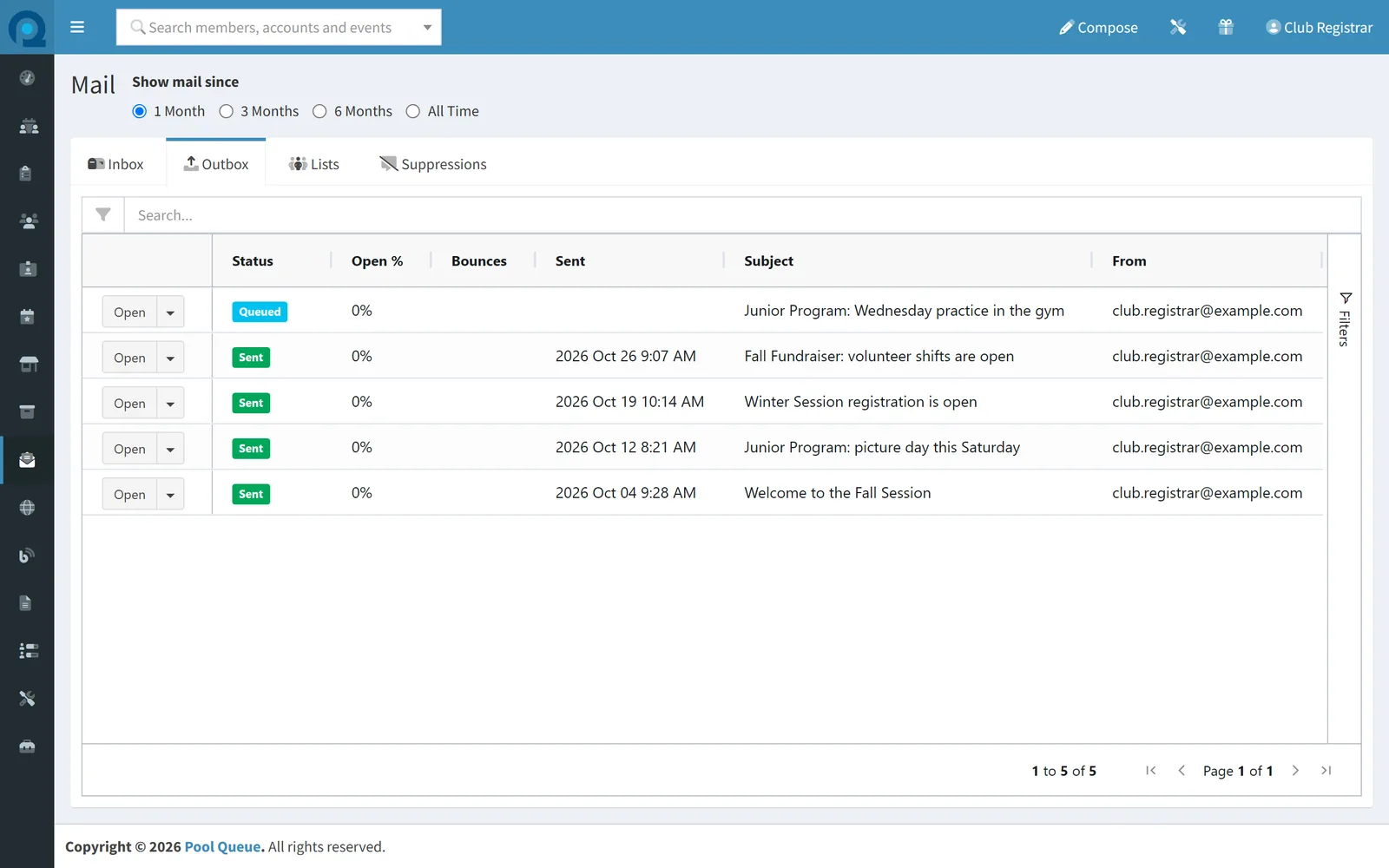
- Choose the roster
- Write the message
- Send later, Tuesday 7:00 AM
- Scheduled
Real Pool Queue screens of an example club.
The right people get the email
Write to a team, a group, or the whole club at once, and send it now or at a time you choose. When an address stops working, Pool Queue takes care of it.
When you need answers from account holders, email them a survey.
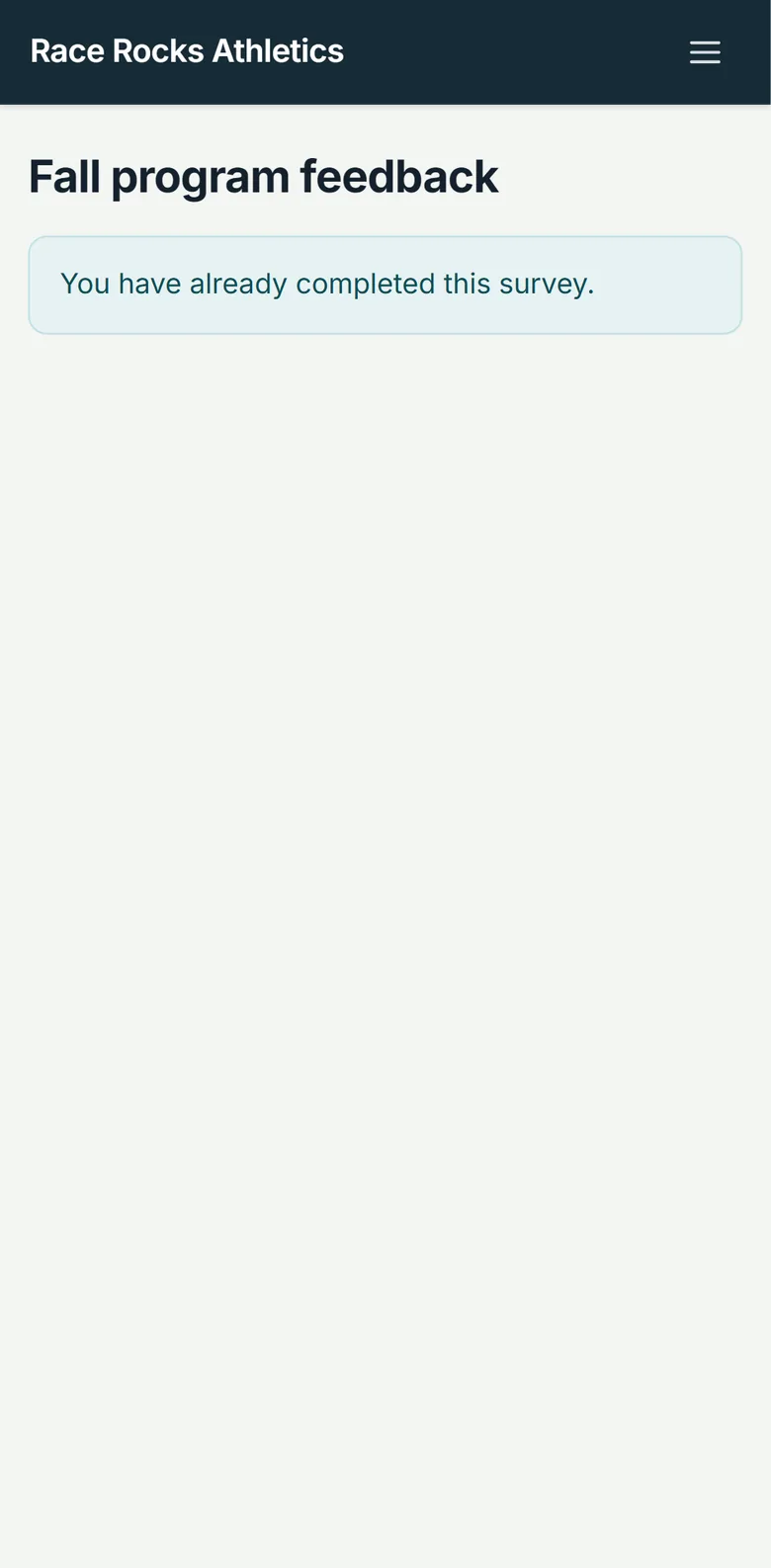
News reaches phones, not only inboxes
Push notifications reach account holders on their phones, and an in-app notification center keeps each notice where they can find it again. For news everyone should see, a notice banner runs across your whole website.
Questions and answers reach the right person
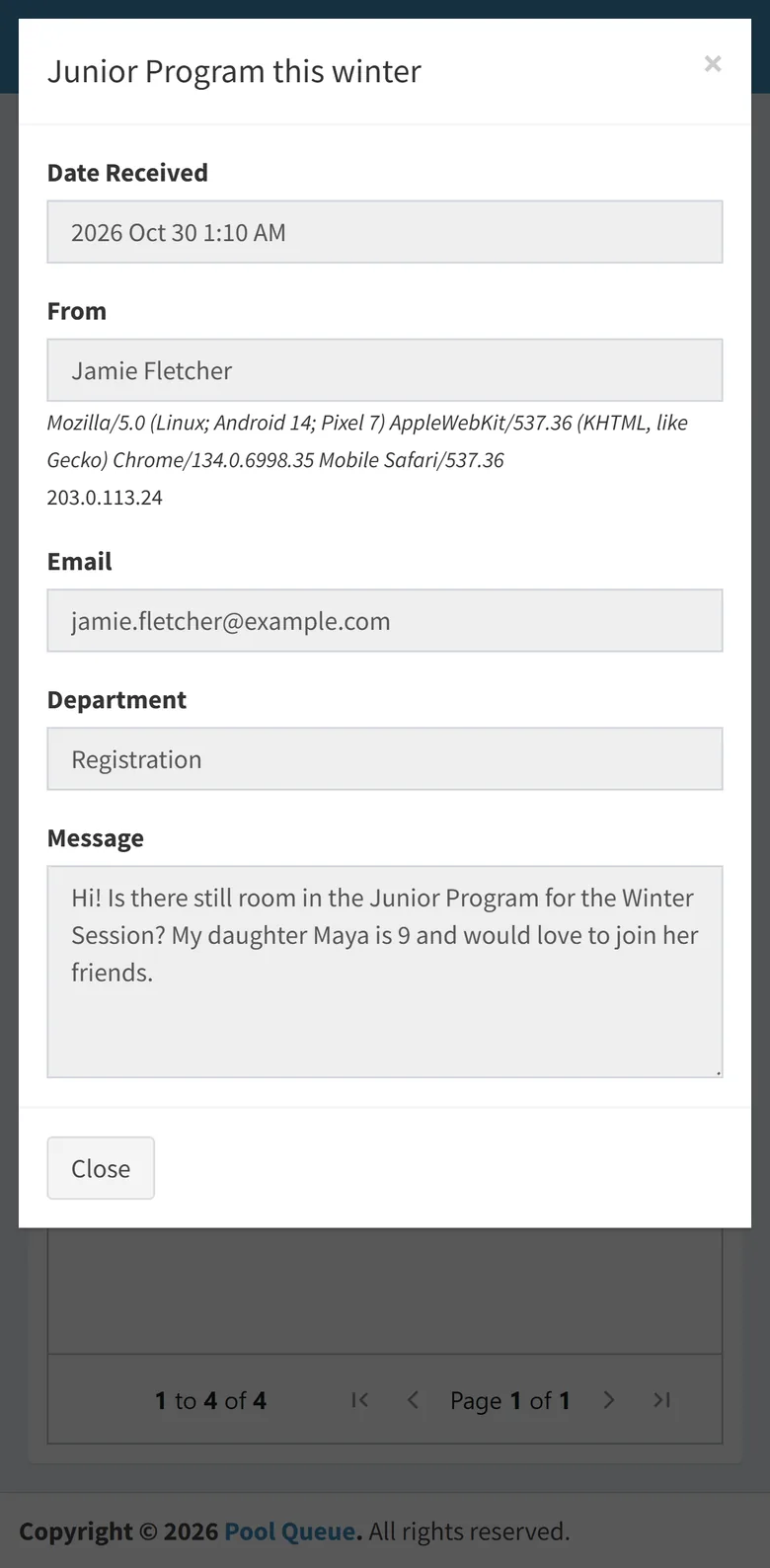
Contact forms on your website send each message to the right club department, so a question about fees reaches the treasurer and a question about practice reaches the coaches.
Account holders can get alerts about the things they follow, such as results being posted for a meet their swimmer swam, and they choose which alerts they get. See meets and results
Questions
Do account holders need an app for notifications?
Push notifications need the club's installed app or a browser that supports them. The app installs from your club's website, with no app store needed.
Is Pool Queue available in French?
Pages for members and account holders are in English and French, and follow each person's browser language. Staff screens are in English.
Who on our staff can send email?
You decide. Roles give everyone who helps run your club access to only what their job needs.
Can we email everyone on a volunteer job?
Yes. Whoever runs a volunteer job can email everyone on it.
Next step
Reach your club from one place
See how email, notifications, and website notices would work for your club.
Online software; setup, training, and support are done remotely.