A club website and app, built in
Your club's website, member-only pages, and an installable app come with Pool Queue, on your own domain.

Edit a page, and it is on your website
Staff describe the block they need, edit it right on the page, and publish it to the club's website.
The club office. The webmaster's desk
Describe a block, edit it, publish
Say what the block is for and Pool Queue drafts it. Change any words right on the page, then publish.
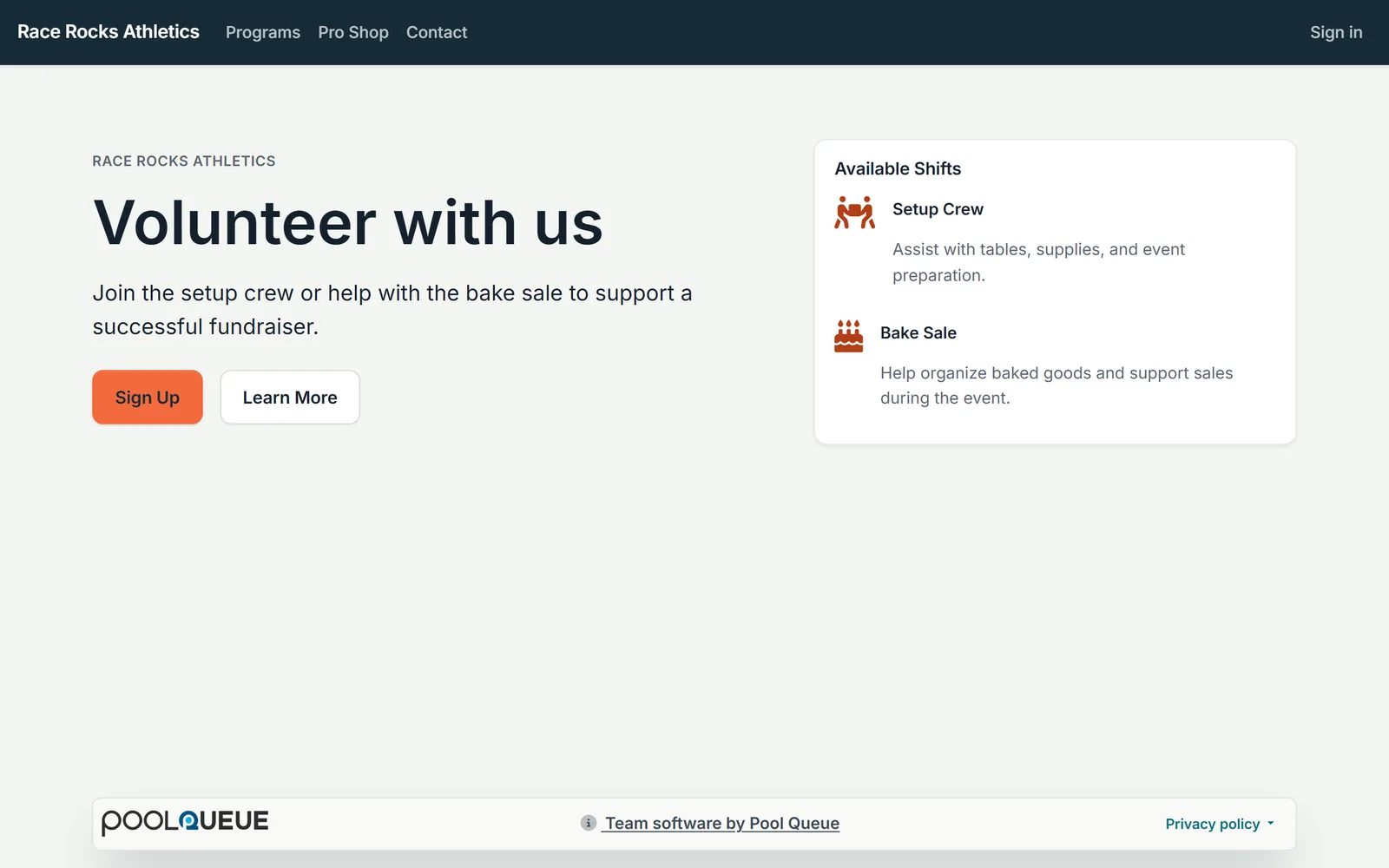
- Describe the block
- Edit in place
- Published
Real Pool Queue screens of an example club.
Members sign in for what is theirs
Pool Queue includes your club's website: pages, menus, a blog, and pages only signed-in members can see. Page history keeps each page's earlier versions.
Pages come together from ready-made blocks
Choose a theme for the whole site, then build each page from a library of ready-made blocks. The site runs on your own domain name.
Your club on the home screen, with no app store
Account holders install the club's app from your website, and it carries your club's name and icon. Push notifications reach them there, and a notice banner keeps everyone who visits the website up to date.
Your club website gets a results section: every meet by season, club records by age group, and time standards, with members signing in for full results. See meets and results
See a whole club running on Pool Queue
Race Rocks Swim Team is a club we built to show Pool Queue at full size: eleven squads, a season of meets and events, club news, and a pro shop, all on the club's own website.
It is not a real club. Its name is a tribute to Race Rocks, the ecological reserve and 1860 lighthouse in the tidal currents off the southern tip of Vancouver Island, where Pool Queue is made.
The screens on this page show a sample club; Race Rocks Swim Team is a whole club site you can browse.


Questions
How do account holders get the app?
From your club's website, with no app store needed. It sits on their home screen with your club's name and icon.
What search basics are built in?
A sitemap, robots.txt, and social sharing tags.
Can visitors reach the right person?
Yes. Contact forms send each message to the right club department.
Can club events show in a Google Calendar?
Yes. Events and sessions sync to a Google Calendar.
Next step
See a club website on Pool Queue
See the public pages, the member pages, and the installed app on a phone.
Online software; setup, training, and support are done remotely.